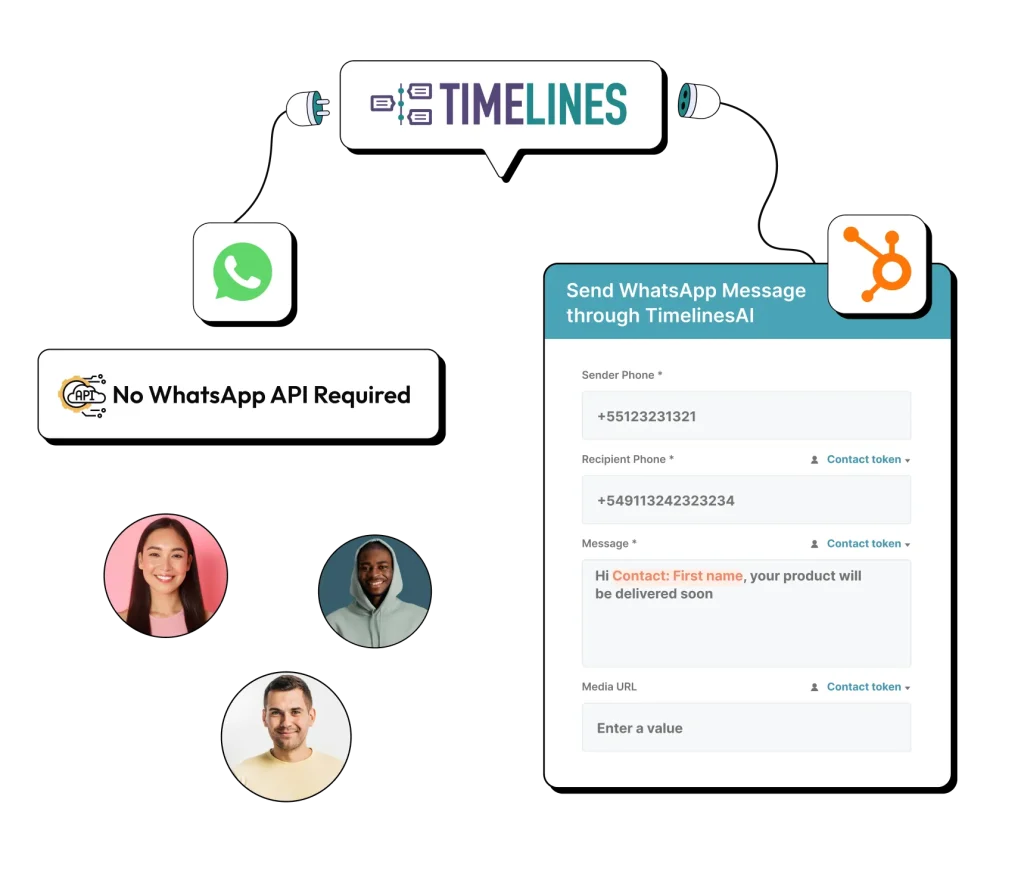
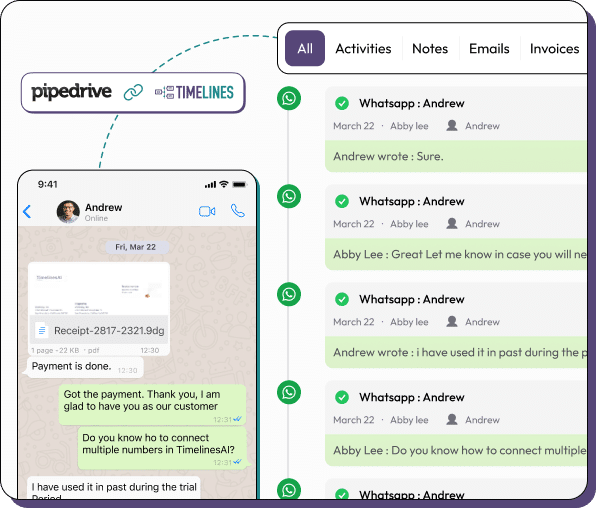
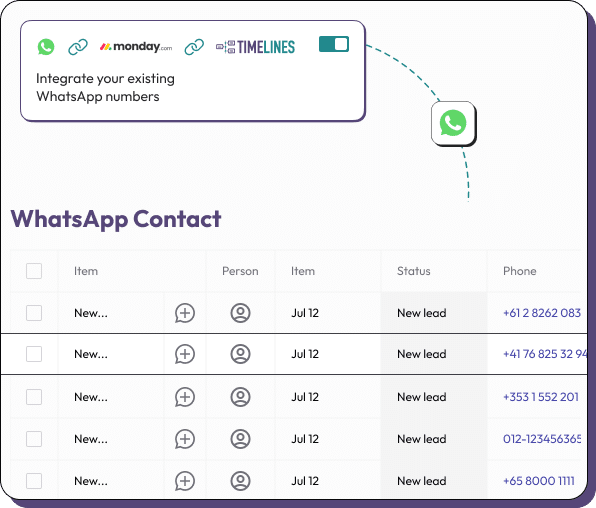
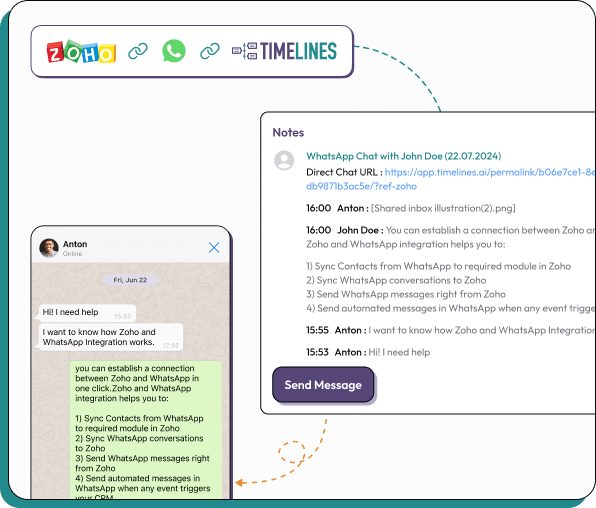
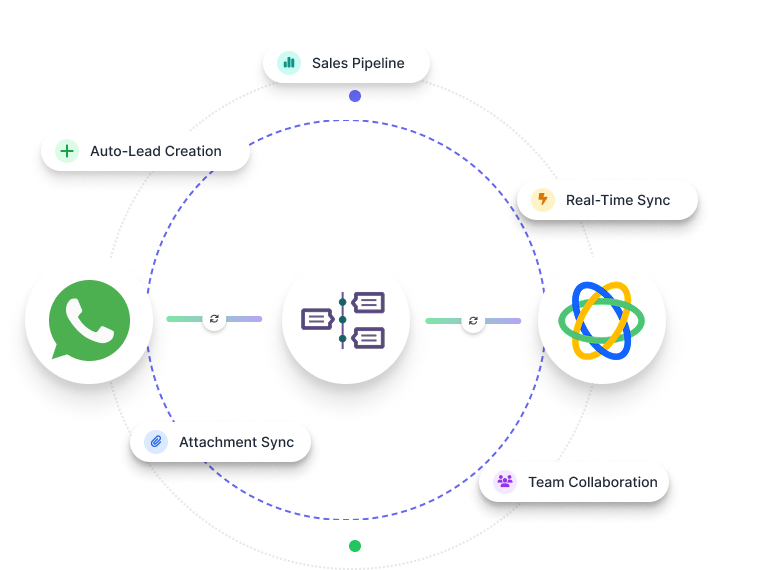
Sync every WhatsApp conversation to your CRM, manage accounts from one shared inbox, and automate with AI-powered workflows.

4.7/5 on Capterra
1,000+ teams trust TimelinesAI
10M+ WhatsApp messages managed
From HubSpot to Pipedrive, see all the CRMs TimelinesAI integrates with to keep your WhatsApp conversations in sync.
HubSpot
Pipedrive
monday.com
Zoho
Salesforce
Close CRM
TimelinesAI is the best choice for our needs to sync our Whatsapp message from multiple Whatsapp number in real-time. It logged our message in real-time into HubSpot & make it easy to update the last activity properties. Very easy to connect without multiple layer of page, just one simple QR scan & it ready to use. Hope we can get Whatsapp Call Synchronisation soon!
Banking/Financial Services
A WhatsApp CRM integration connects WhatsApp to your CRM or messaging platform. It allows your team to manage chats, automate workflows, and keep customer records updated — all without switching between tools.
Two ways to connect WhatsApp to your CRM:
While TimelinesAI integrates seamlessly with CRMs like HubSpot, Salesforce, Pipedrive, and Zoho, it’s not a replacement for your CRM. Instead, it adds capabilities that most CRMs lack:
TimelinesAI ensures that WhatsApp conversations are fully connected to your CRM, making lead management, follow-ups, and customer support more efficient — without the usual WhatsApp Business API hassle.
WhatsApp integration
Full WhatsApp integration, works without WABA, supports Personal & Business numbers
Messaging features
Supports texts, images, videos, and voice notes directly in inbox
Basic text only, limited media support
Mass messaging / broadcasts
Supported, directly in inbox
N/A
Automation capabilities
Advanced automation & Workflow Builder
Minimal
Shared Inbox
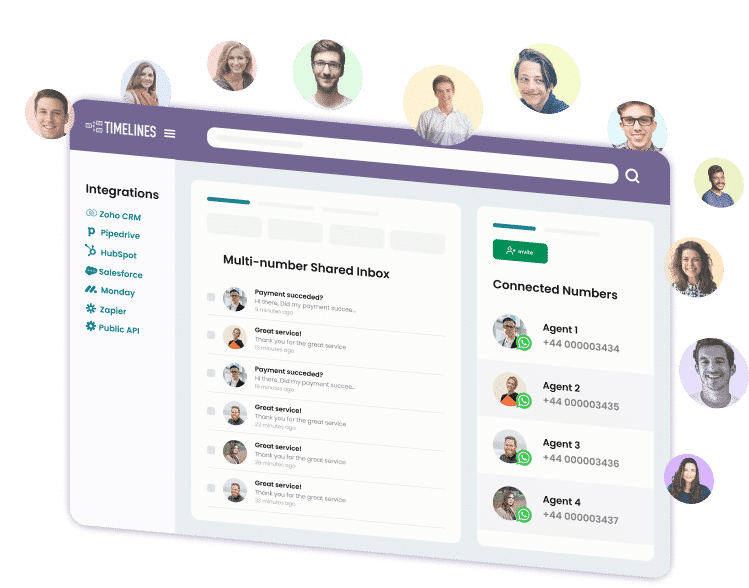
Unified Inbox for real time conversation tracking from multiple connected numbers
WhatsApp Buisness API not supporting multi-number scenarios
Works with existing personal or business WhatsApp accounts
Simply link to connect your WhatsApp account to TimelinesAI.
Begin your 10-day free trial immediately - no credit card required
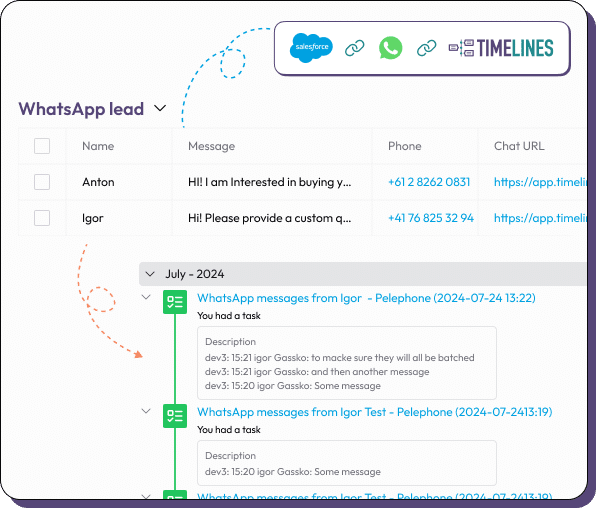
Manage all WhatsApp chats in one place within your CRM. TimelinesAI ensures your team never misses a message while keeping customer data organized.
Automate follow-ups, lead tracking, and customer support within TimelinesAI. With WhatsApp CRM integration, your team works faster and smarter.
Whether you use HubSpot, Salesforce, Pipedrive, or Zoho, TimelinesAI connects WhatsApp to your existing CRM without WABA hassle, making integration effortless.
All WhatsApp messages are accessible to your team through a shared inbox, improving coordination, response times, and overall customer satisfaction.
Integrate TimelinesAI with other apps or custom systems using the Public API and Webhooks, enabling real-time data syncing and automation.
Use TimelinesAI’s native Workflow Builder or connect via Zapier and Make to automate tasks and integrate WhatsApp with other CRMs and apps seamlessly.
A WhatsApp CRM is a system that connects WhatsApp messaging with your CRM, allowing your team to manage chats, track leads, and update customer records without switching tools.
WhatsApp integration with a CRM syncs conversations, contacts, and interactions automatically. Teams can manage messages in a shared inbox, log notes, and automate workflows within the CRM.
You can integrate WhatsApp with your CRM using platforms like TimelinesAI. Simply link your WhatsApp number(s) with your CRM account — no WABA required — and set up auto-sync for chats and leads.
Popular CRMs that support WhatsApp integration include HubSpot, Salesforce, Pipedrive, Zoho, and SAP CRM. Tools like TimelinesAI make the connection seamless.
WhatsApp CRM integrations are usually subscription-based, often more affordable than full-scale CRM systems with native messaging. Pricing depends on features like mass messaging, shared inboxes, and automation.
WhatsApp CRM helps capture and follow up with leads directly from chats. You can track new prospects, assign them to sales reps, and automate follow-ups to improve conversion rates.
The most effective WhatsApp CRM experience comes from TimelinesAI, keeping all chats organized, automating workflows, and integrating seamlessly with CRMs. Get started with a 10-day free trial.
Most CRMs integrate with WhatsApp via third-party tools like TimelinesAI. After linking your WhatsApp number and CRM account, messages, contacts, and conversation history are synced automatically.
Use WhatsApp CRM to send personalized messages, reminders, or updates to leads. Automated workflows and shared inboxes help teams maintain consistent communication and move leads through the sales funnel.
New — TimelinesAI Partner API
Launch a White-Label WhatsApp Solution Under Your Brand