Integrate WhatsApp with monday.com to Drive Results
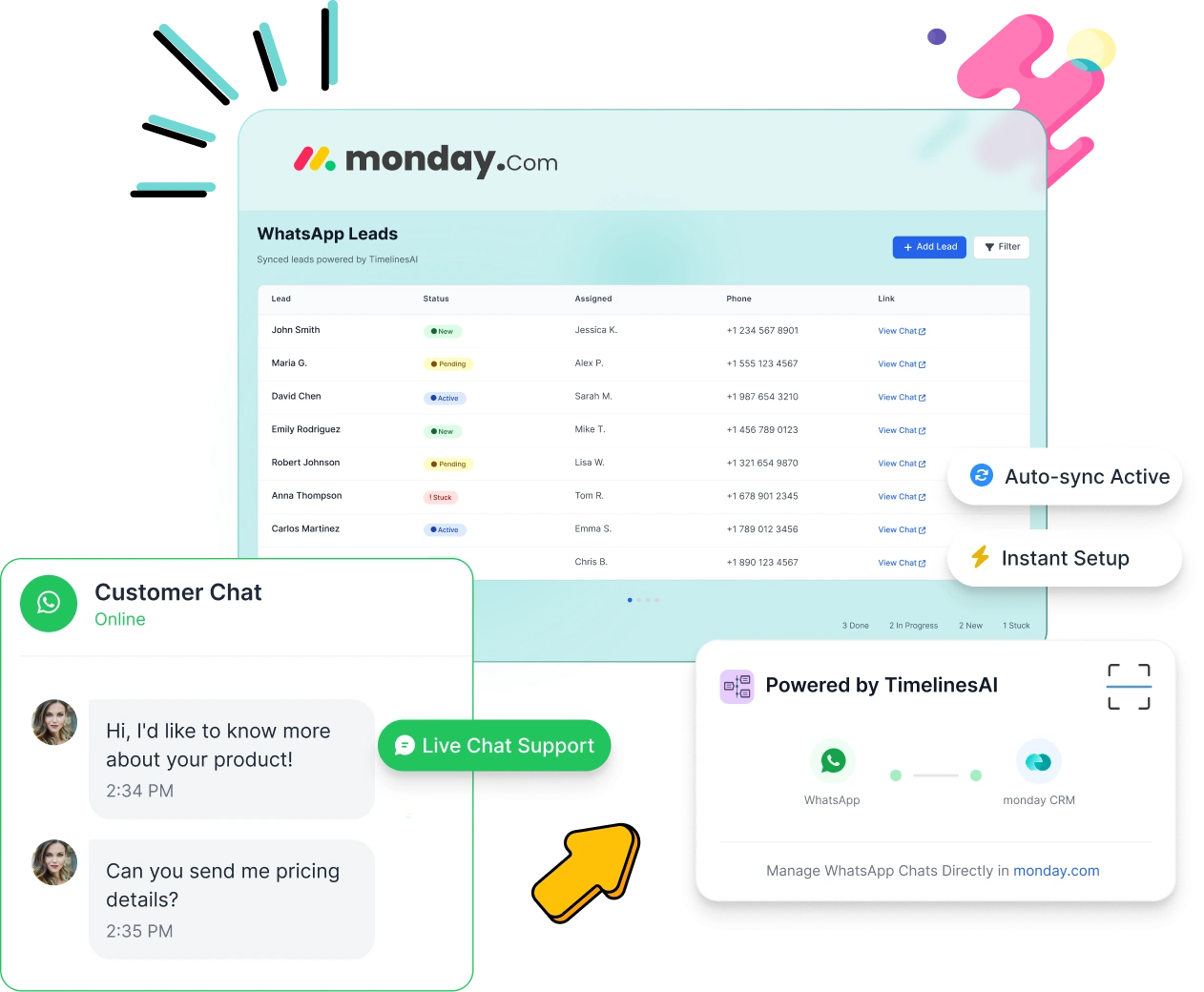
Unify your team’s communication by bringing WhatsApp messages directly into your monday.com workspace. With TimelinesAI, you can automate message tracking, centralize contact conversations, and respond faster — all without switching tools.
The session is led by a TimelinesAI product expert who will explain everything and answer your questions live.
TimelinesAI and monday.com Integration Features
Bring your WhatsApp conversations directly into your monday.com workflow — automated, organized, and live.
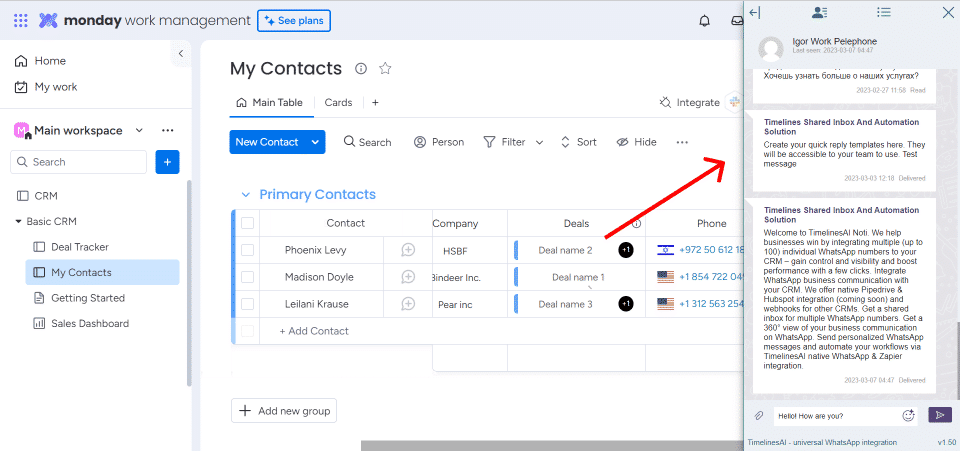
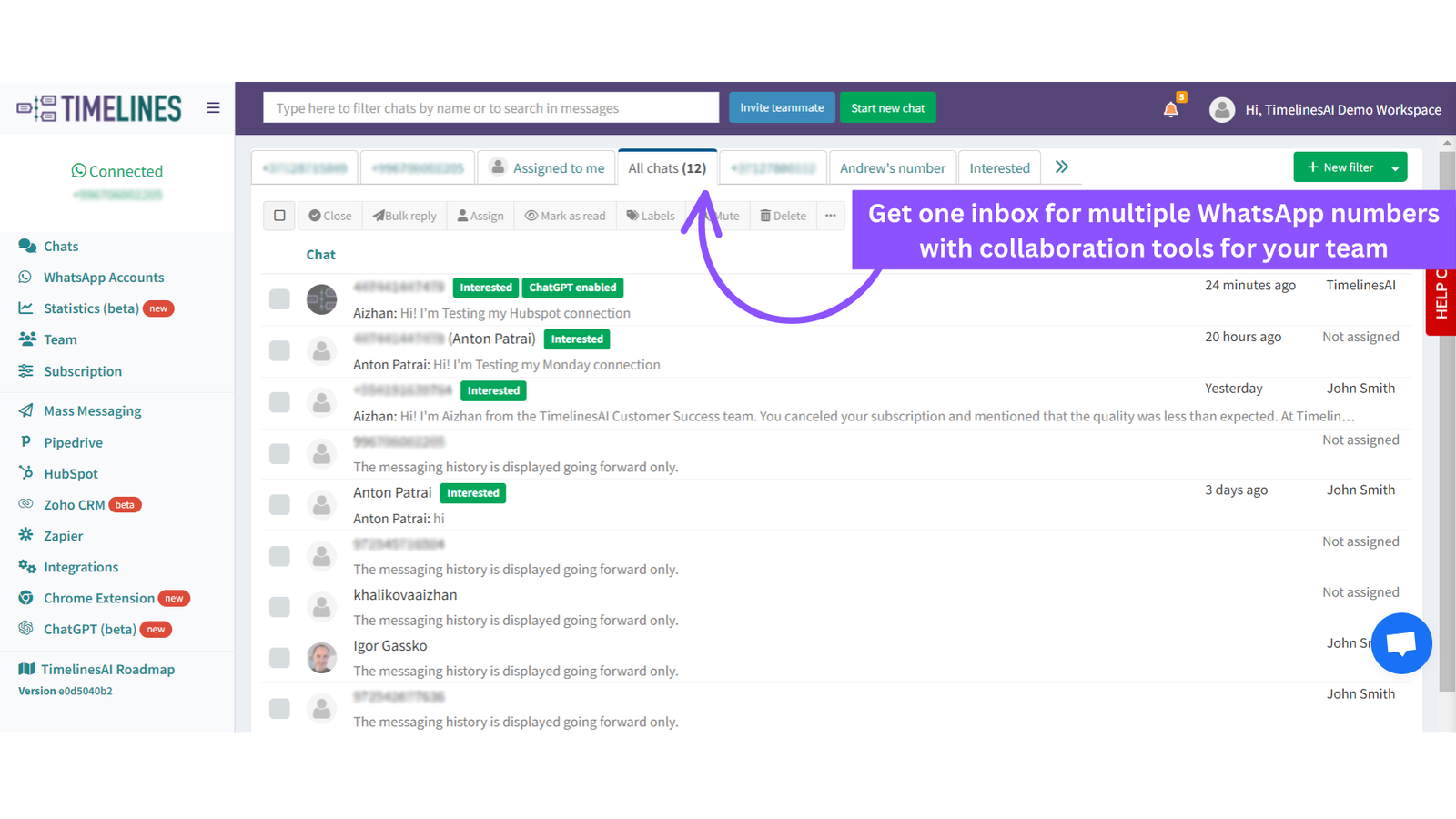
Live Chat with WhatsApp Contacts
Reply to WhatsApp messages instantly from TimelinesAI — while syncing updates with monday.com boards in real time.
Auto-Create Items for Incoming WhatsApp Messages
Access your entire WhatsApp chat history directly in monday.com notes. Stay updated on all customer interactions without switching platforms.
Auto-Update Existing Items
When a known contact replies on WhatsApp, the corresponding monday.com item is updated with the new message content.
Send WhatsApp Messages via Status Changes
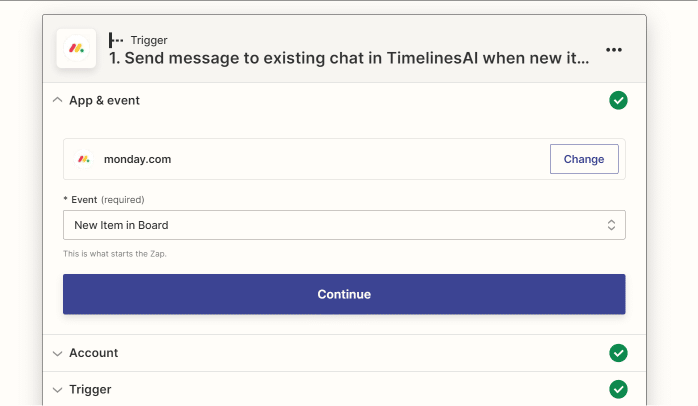
Trigger personalized WhatsApp messages when an item moves through your monday.com workflow.
Sync Attachments and Media
Automatically pull images, files, and documents from WhatsApp into the related monday.com item
Track Group & Outgoing Messages
Create items for group messages or log outgoing replies to maintain a full conversation history.
Industry Use Cases – How We Help Your Business Succeed
TimelinesAI empowers organizations to maintain seamless, trackable conversations by bridging the gap between WhatsApp and monday.com.
For Sales Teams
Struggling to keep up with leads coming in via WhatsApp?
With our WhatsApp & monday.com integration, every incoming message is automatically logged as an item or update. Your sales team can follow up faster, never lose a prospect, and track deal progress—all in one place. No more toggling between apps or missing out on valuable conversations.
For Customer Support
Customer messages slipping through the cracks?
TimelinesAI logs WhatsApp interactions directly into your monday.com workflows. This provides support teams with complete visibility into each customer’s history, enabling them to resolve issues quickly, stay accountable, and deliver a consistently better support experience.
Project Coordination
Do important WhatsApp group chats and project updates get lost in endless message threads?
With TimelinesAI, group chats and attachments sync directly to your monday.com projects. Keep communications organized, transparent, and accessible to everyone involved.
Stay Connected. Close More Deals.
Never miss a WhatsApp message again—sync your chats directly with monday.com CRM and watch your sales, support, and projects thrive.
“I was looking for solutions for sending WhatsApp messages directly from the mandi in an automatic, easy, and convenient way. TimelinesAI has created exactly this solution that works simply great. Highly recommend.”
Brilliant app and company!
“Brilliant app and company, we use this to integrate some automations to send a message to our customers at different stages automatically and personalized, it’s great and easy to set up”
The functionality is excellent.
“The functionality is excellent. You can easily set up automations and send messages from your CRM board for follow-up or closing sales. The best part is that you don’t need to connect it via API, which makes it incredibly easy to use.”
Exceptional app!
“Exceptional app! We love it and it’s far better than others used for WhatsApp messaging.”
Why Connect WhatsApp with monday.com?
Enhance your workflows with real-time messaging, auto-sync, and centralized updates — built for productivity and clarity.
Getting Started with WhatsApp in monday.com
Follow these easy steps to integrate WhatsApp seamlessly into your monday.com workspace:
Start your 10-day free trial — no credit card required. Gain full access to all integration features, along with live chat support to guide your setup.
Learn more about WhatsApp and monday.com integration
What is the WhatsApp and monday.com integration?
It’s a no-code solution that connects your WhatsApp account with monday.com using TimelinesAI. It allows you to automatically sync WhatsApp chats, messages, and attachments with your Monday.com boards for better team collaboration and communication tracking.
Can I connect my existing WhatsApp number to monday.com?
Yes. With TimelinesAI, you can link your current WhatsApp number to monday.com by scanning a QR code. You don’t need a new number or a Business API account to get started.
How do I integrate WhatsApp with monday.com without coding?
Simply create a TimelinesAI account, install the app from the monday.com Marketplace, connect your WhatsApp number, and configure your boards. No technical skills or coding are required.
Does this WhatsApp-monday.com integration support live chat?
Yes! Once integrated, you can send and receive WhatsApp messages directly within monday.com boards using the built-in live chat window powered by TimelinesAI.
Can WhatsApp messages be automatically saved to monday.com items?
Absolutely. New WhatsApp messages — both incoming and outgoing — are automatically turned into monday.com items or used to update existing ones. This keeps all your records current without manual data entry.
Is it possible to track WhatsApp group chats in monday.com?
Yes. The integration allows you to sync both individual and group chats from WhatsApp into your monday.com workspace, so your team stays informed and nothing gets lost.
What are the benefits of using WhatsApp with monday.com?
Key benefits include automated lead capture, centralized communication, improved response times, better support tracking, and full message history for each item or contact — all inside monday.com.
How secure is the WhatsApp integration with monday.com?
TimelinesAI uses secure encryption protocols to protect your WhatsApp conversations and data. Only you and your team have access to synced messages inside your monday.com workspace.
Does TimelinesAI offer a free trial for the WhatsApp integration?
Yes. You can start with a 10-day free trial — no credit card needed. You’ll have full access to integration features, live chat support, and help documentation during your trial.
Who can I contact if I need help setting up WhatsApp in monday.com?
You can get instant support through TimelinesAI’s live chat, access detailed help articles, or watch step-by-step tutorials. For personalized guidance, you can also book a free demo session with one of our product experts — they’ll walk you through the setup and help tailor the integration to your business needs.
Connect WhatsApp to monday.com in Minutes
Sync chats, manage leads, and streamline project updates using our no-code WhatsApp integration for monday.com.