What You Can Do with ChatGPT Agents in TimelinesAI
Connect Any OpenAI Assistant
Use any assistant you’ve created in OpenAI—custom models, fine-tuned behavior, and tools included.
Custom Instructions & File Support
Add system instructions, upload files, and define how the agent should respond—your AI, your way.
Works in New or Existing Chats
Choose whether the agent joins only new direct chats or continues in ongoing ones.
Smart Reply Delay
Set how long the agent should wait before replying—combine multiple messages into one smart response.
1-Click Chat Summaries
Skip the scroll—generate full conversation summaries instantly with ChatGPT.
Automatic Human Handoff
When a teammate replies, the AI steps back. No overlap, no confusion.
Usage & Quota Tracking
Track every reply—see which agents are active and how credits are used in real time.
Per-Chat Control
Enable or disable the agent manually in any chat—or let TimelinesAI handle it automatically.
How ChatGPT AI Agents Fix WhatsApp Automation Problems
Slow Replies
Are slow response times frustrating your leads and customers?
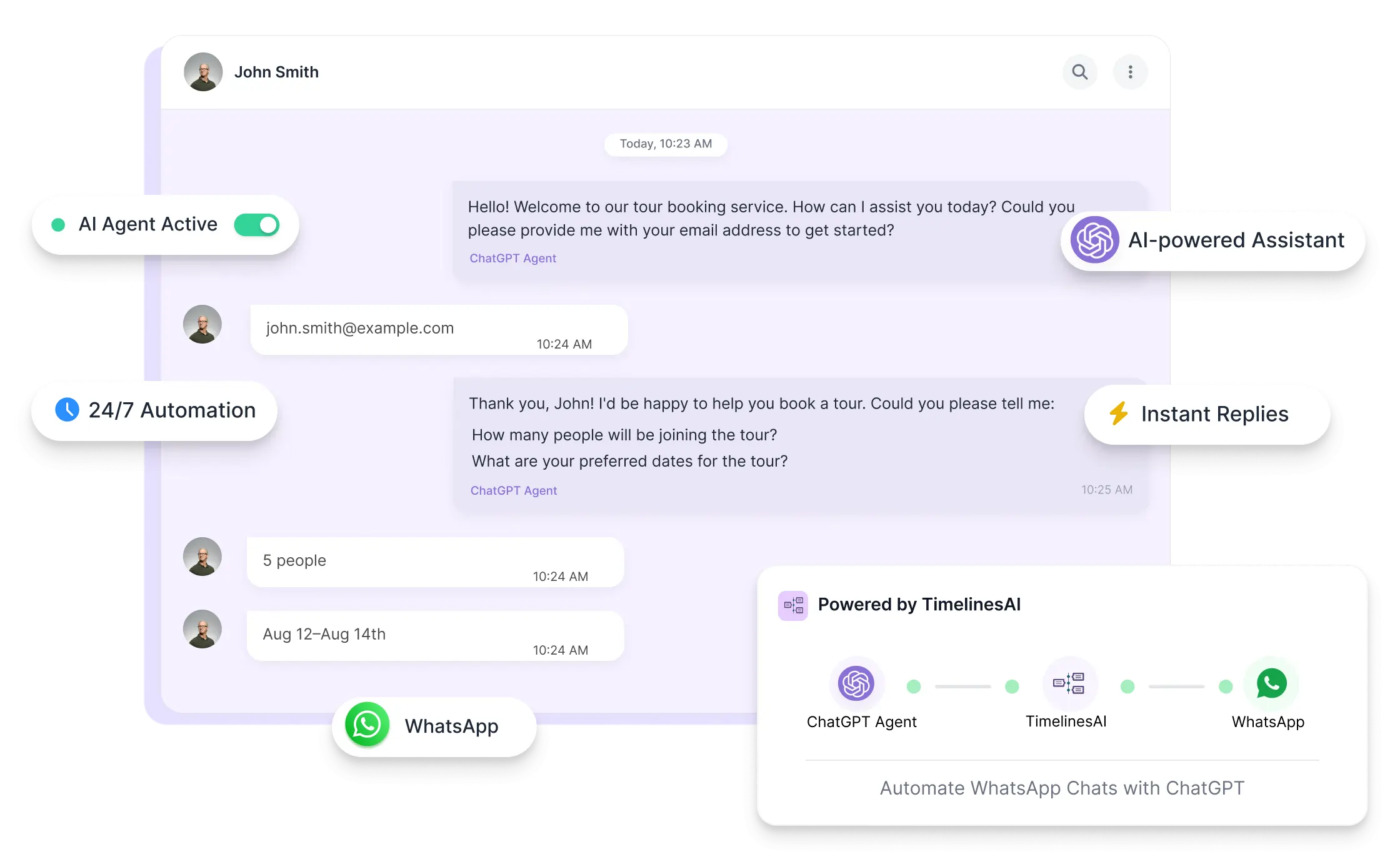
AI replies instantly, 24/7—even when your team is offline.
Robotic Responses
Do generic auto-replies feel robotic and hurt engagement?
Custom, intelligent replies trained using your own instructions and files.
Chat Overload
Struggling to keep up with chats during peak hours or weekends?
Let AI handle first replies and collect key info automatically—even during busy hours.
No Handoff
Is there no seamless way to switch from AI to a real person?
TimelinesAI auto-disables the agent when a human responds—ensuring a natural switch.
Automate Smarter with ChatGPT Agents in TimelinesAI
Most teams struggle to reply fast and stay personal. With ChatGPT AI Agents in TimelinesAI, you can automate smarter, without losing the human touch. Start automating your WhatsApp chats with AI Agents today.
The session is led by a TimelinesAI product expert who will explain everything and answer your questions live.
How to Set up your ChatGPT Agent
Get started in minutes by connecting your OpenAI assistant and automating your WhatsApp chats with ease. For detailed instructions, check out our step-by-step guide to setting up ChatGPT Agents in TimelinesAI.
1
Create Your Assistant in OpenAI
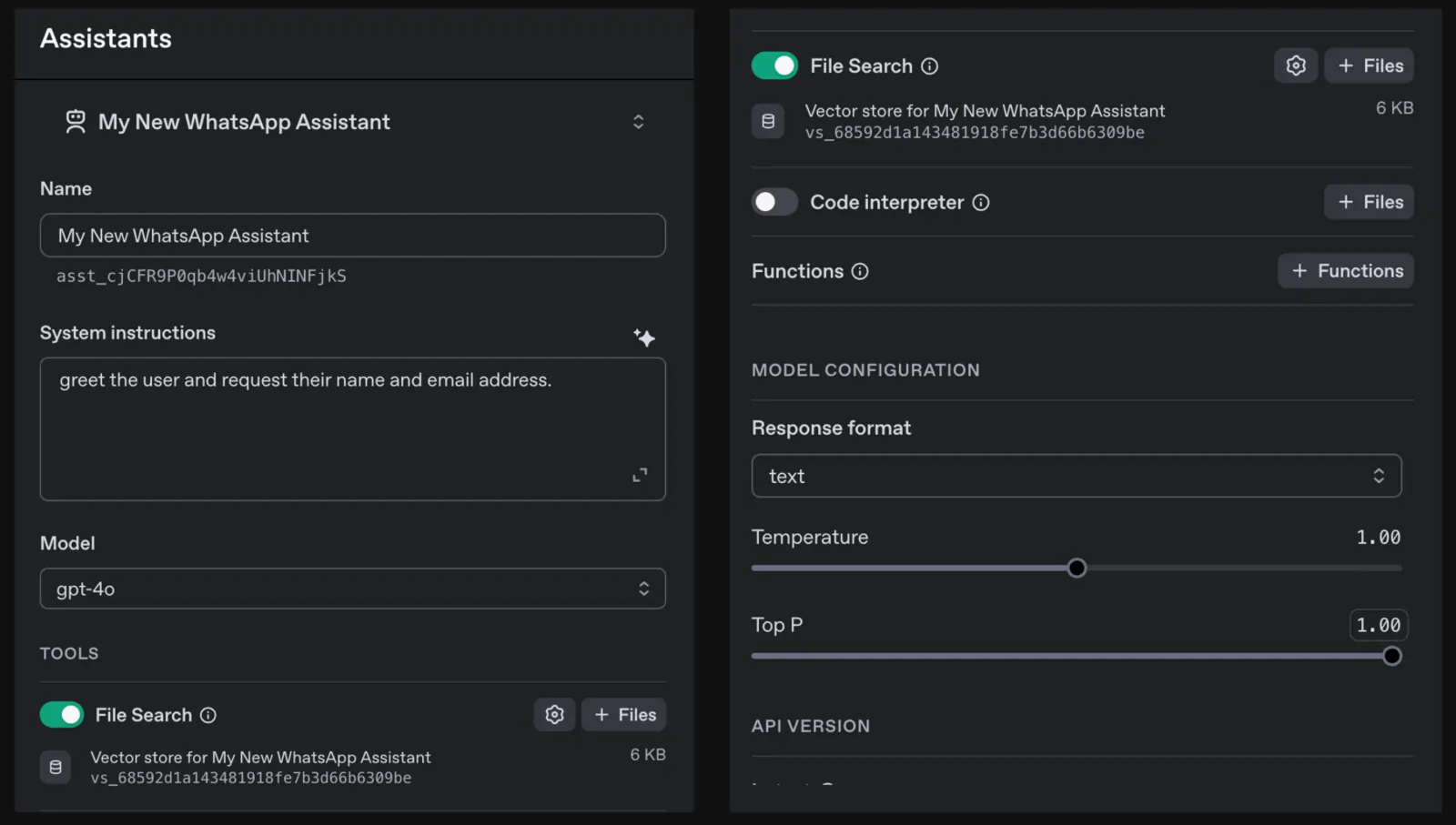
Write system instructions, choose a model, and upload files to guide how your assistant should respond.
2
Connect It to TimelinesAI
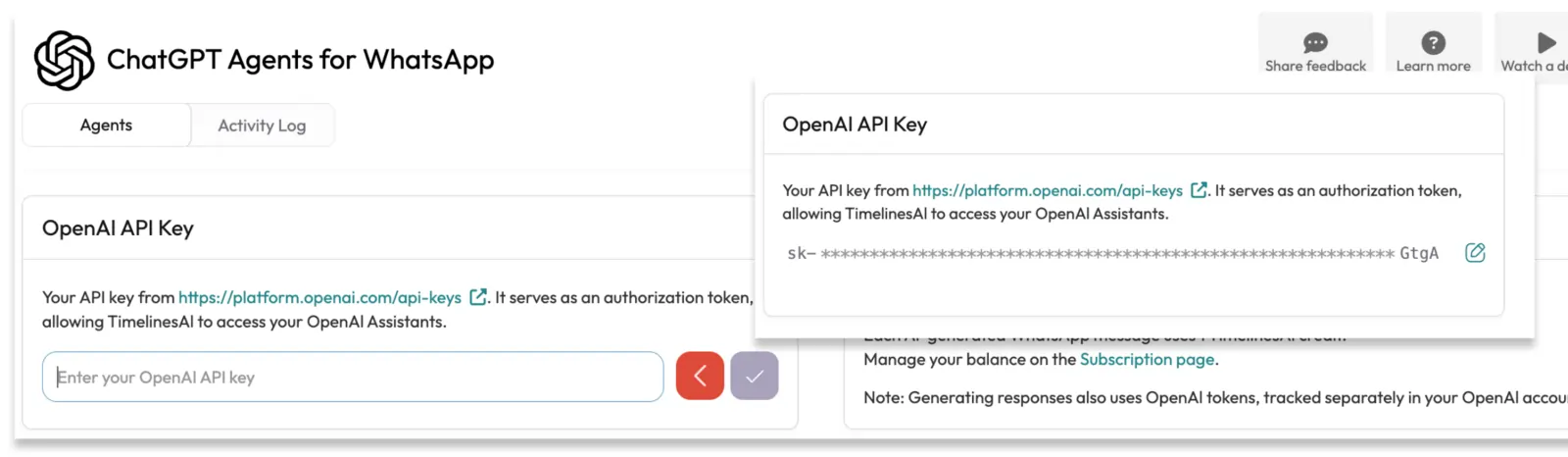
Go to the ChatGPT Agents settings in your TimelinesAI workspace. Add your OpenAI API key, select your assistant, and link it to one or more WhatsApp numbers. Choose where the agent should respond, whether in new chats only or in existing ones as well, and set a custom reply delay if needed.
3
Launch Automation
Your AI agent starts replying to incoming chats instantly—collecting info, summarizing chats, and handing off when needed.
How do I connect an OpenAI assistant to TimelinesAI?
To connect an assistant, generate an API key in your OpenAI account, then go to the ChatGPT Agents settings in TimelinesAI, paste the key, and select the assistant you’ve created.
Can ChatGPT agents reply in existing WhatsApp chats?
Yes, you can choose whether the agent responds in new direct chats only or in both new and existing direct chats when setting up the agent in TimelinesAI.
What happens if a human agent replies in a chat?
When a human operator sends a message in a chat, the ChatGPT agent is automatically disabled for that conversation to ensure a smooth handoff.
Do ChatGPT agents work in WhatsApp group chats?
No, ChatGPT agents in TimelinesAI are designed to work only in one-on-one direct chats. Group chats are not supported.
How are OpenAI tokens and TimelinesAI credits used?
Each reply from a ChatGPT agent consumes OpenAI tokens (billed to your OpenAI account) and reserves one TimelinesAI automation credit, which is deducted only if the message is successfully sent.
Start Automating WhatsApp with ChatGPT Agents Today
Connect your OpenAI assistant to TimelinesAI and transform how your team handles WhatsApp chats—faster replies, smarter conversations, and less manual work.